

How To Improve Digital Literacy With Practical Learning Strategies
Setting a clear goal helps you begin learning new online skills with focus and purpose. Choose a specific task you want to master, such as editing photos, sending...
Feb 21, 2026



Every mobile device holds a unique set of security features as well as possible weak points. Start by carefully checking your device’s settings, the apps you have installed, and how you connect to networks. This process helps you spot any areas where your information might be at risk. Once you identify these potential issues, you can address them right away, whether that means updating apps, adjusting privacy settings, or changing the way you connect to public Wi-Fi. Regularly reviewing and updating these aspects not only protects your data but also keeps your device running smoothly and securely.
This guide explains practical steps to tighten security. It teaches you how to check software versions, select the right tools, set strong access controls, and protect connections. Follow each section carefully to develop a safer mobile routine.
Begin by opening Settings, then selecting Software Update or System Update. Install any pending updates for Android or iOS. Next, visit the app store and review your app list. Delete apps you downloaded long ago but never used.
Access each app’s permission settings to see which data it can access. For example, a game likely doesn’t need your contacts or precise location. Restrict or deny those permissions. Finally, review your lock screen: choose a four- to six-digit PIN or, if available, set up face or fingerprint unlock.
Search your device’s app store for a highly-rated security package. Many include real-time scanning and web filtering to block harmful sites. Keep the software current so it can identify the latest threats.
Your browser, email, and banking applications often update separately. Enable automatic updates so you never miss important fixes. Then, select a password manager like 1Password or LastPass. These tools create and store strong passwords, preventing you from reusing passwords across different sites.
Using only a password leaves you vulnerable if someone guesses or steals it. Add extra protection by enabling multifactor authentication (MFA) whenever you can. Many services support one-time codes sent via SMS or generated in dedicated apps.
Opt for authentication apps instead of text messages. Apps like Authy or Google Authenticator generate a new code every 30 seconds. Enter or tap the code during login. This way, even if someone steals your password, they still need the rotating code from your device.
If you handle high-value accounts, consider investing in a hardware security key. Connect or tap it on your phone to verify your identity. This step blocks remote attackers because they cannot duplicate the physical key.
Your device might automatically connect to any detected Wi-Fi networks. That habit risks connecting to harmful networks set up by attackers. Go into Wi-Fi settings and choose to connect manually. Only join networks you trust.
Whenever you work at a café or airport lounge, activate a virtual private network (VPN). A VPN encrypts your data in transit, making it unreadable to anyone snooping on the same network. Many providers offer apps for both iOS and Android. Pick a service with a no-logs policy and strong encryption.
Even the best software protections cannot prevent theft. Keep your device on you or in a secure pocket when moving through crowded areas. If you set it down at home, lock it in a drawer or safe.
Enable remote tracking and wiping features. On iOS, activate Find My iPhone. On Android, enable Find My Device. If your phone gets lost, locate it on a map, lock it, and erase its data to protect your information.
Finally, back up your device regularly to secure cloud storage or a local backup system. Frequent backups ensure you do not lose photos, contacts, or important documents if you need to wipe your phone remotely.
Use strong locks, keep your software updated, and select secure connections to block attack points. Stay alert to protect your device and personal information daily.
Setting a clear goal helps you begin learning new online skills with focus and purpose. Choose a specific task you want to master, such as editing photos, sending...
Feb 21, 2026

Modernizing the technology used in a small operation brings noticeable improvements, including quicker task completion, enhanced protection of sensitive information, and...
Feb 19, 2026

Smartphone apps make organizing your daily life much easier, offering convenient solutions for everything from scheduling to task management. By choosing an app that...
Feb 16, 2026

Smartwatches, smart glasses, and high-tech clothing now offer much more than basic step tracking. These wearable devices deliver useful tools right at your fingertips,...
Feb 15, 2026

Careful analysis of data reveals valuable insights that can shape your decisions when planning a campaign or refining a product line. By examining data, you uncover...
Feb 13, 2026

Rolling out new tools in the workplace often feels like a daunting challenge, but a thoughtful approach can make the process smoother for everyone involved. Teams adjust...
Feb 10, 2026

Every time you visit a website, make a purchase, or log in to an account, you leave behind details about your preferences and habits. Websites collect information about...
Feb 08, 2026
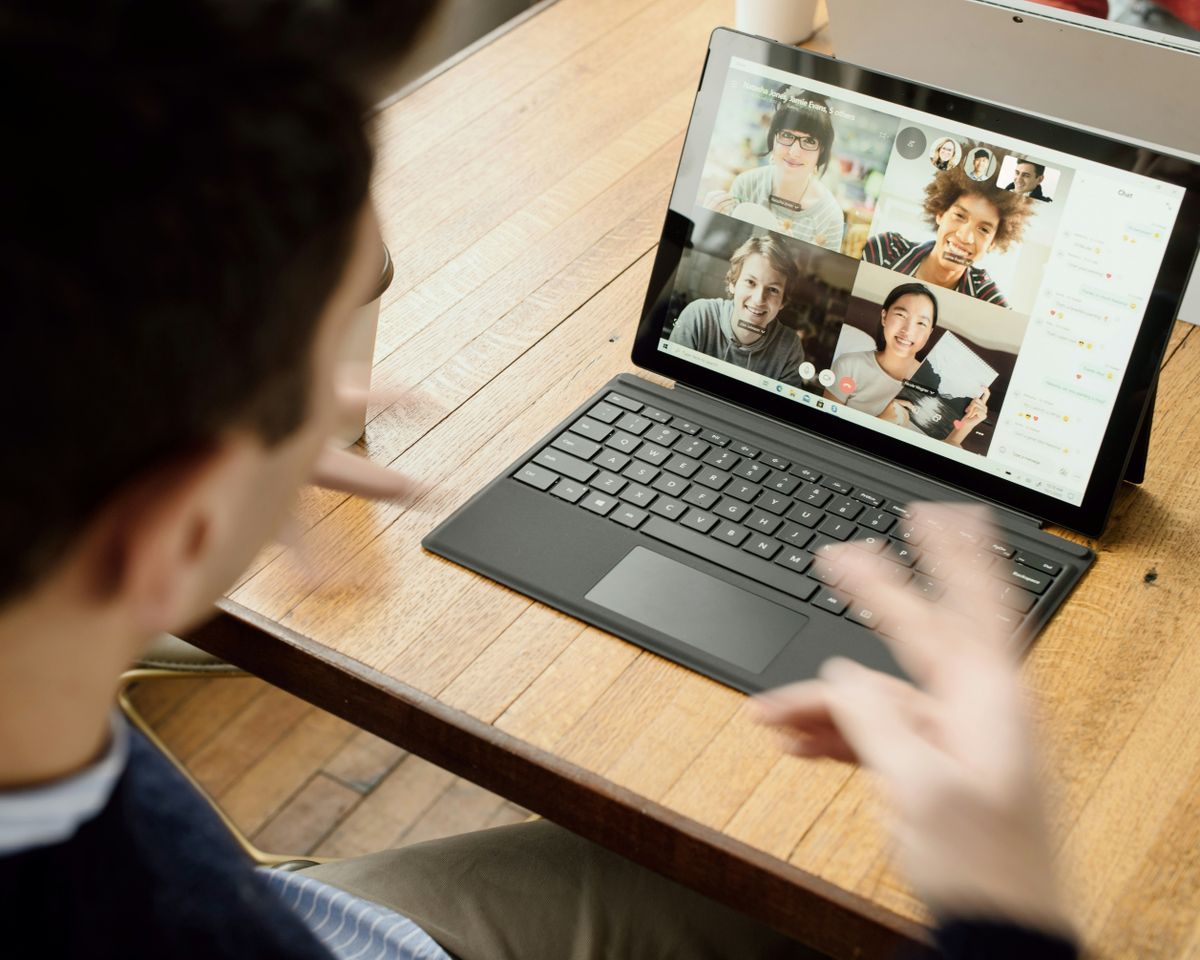
Teams often spend valuable time tracking down files and updates instead of moving projects forward. Scattered communication through emails and multiple channels can slow...
Feb 07, 2026

Creating an efficient workspace starts with selecting tools that support your daily routine. A reliable portable charger keeps your phone powered up, ensuring you stay...
Feb 05, 2026

Selecting the right cloud computing solution often brings a mix of excitement and uncertainty as you weigh business requirements, financial limitations, and technical...
Feb 03, 2026

Most individuals believe that securing a home network simply involves choosing a complex password, but the truth is that cybercriminals search for every possible...
Jan 30, 2026

Modern smart home devices offer convenience by allowing you to control everything from lights to door locks with just your voice or a simple tap. Careful planning helps...
Jan 29, 2026

Choosing the right storage method plays a key role in keeping both personal and business information secure. Storing sensitive files safely helps prevent breaches, data...
Jan 28, 2026

Donating to causes that matter to you can improve the way you manage your finances and add meaning to your spending decisions. Setting aside a portion of your income for...
Jan 26, 2026